If you have the VMware Remote Client installed (available for most platforms), you can open a VM console directly from the command prompt/terminal – This avoids any overhead of logging in to the vSphere web UI to launch a console session.
What you need:
- vCenter or ESXi hostname/IP address
- The managed object ID (VM ID) of the VM
- Credentials of a user with appropriate access
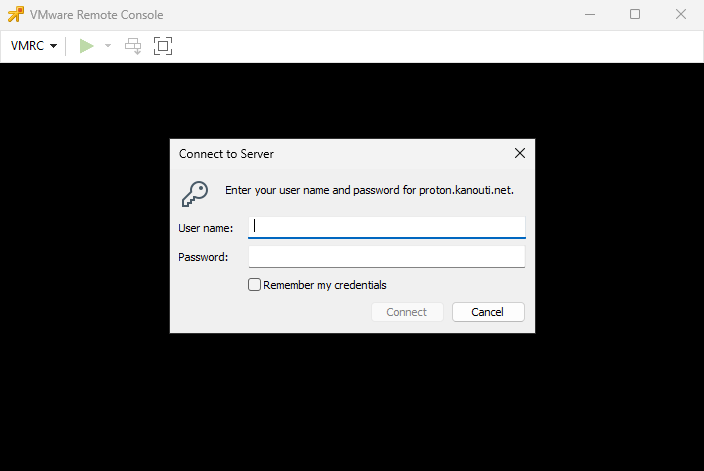
vmrc "vmrc://<userId>@<VMware_host>/?moid=<VMID>"When the client launches, it will prompt for the user credentials. When authenticated, you will have a console session to your selected VM.
That’s pretty much it.